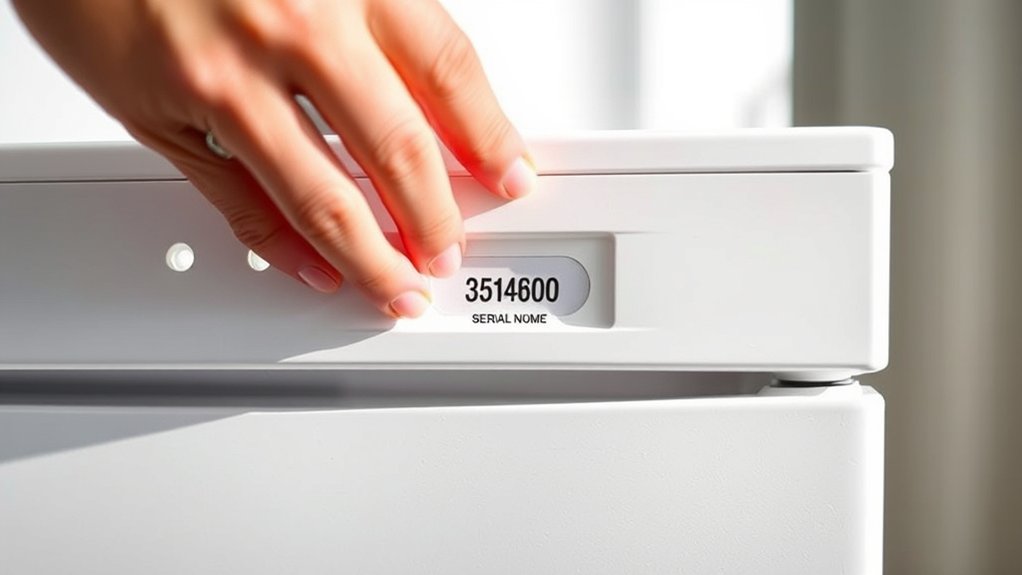
How to Look Up Your Whirlpool Serial Number in 5 Easy Steps
Finding your Whirlpool serial number can feel harder than it should, especially when you need it for a repair, warranty claim, or replacement part. You’re not alone—many people struggle to tell the serial number apart from the model number or find the correct label.
To look up your Whirlpool serial number, first find the appliance’s official label. Next, check common locations, such as the refrigerator wall, washer lid area, or dishwasher door frame. Then identify the number marked “Serial,” “Serial No.,” or “S/N,” keeping it separate from the model number.
Confirm every character in good lighting, especially 0/O and 1/I. Finally, use both numbers for Whirlpool support, warranty checks, repairs, or parts—and keep these tips handy for the next step.
Key Takeaways
- Locate the official Whirlpool appliance label, usually inside the door, beneath the lid, or on a side or rear panel.
- Identify the field marked “Serial,” “Serial No.,” or “S/N,” keeping it separate from the model number.
- Copy every character exactly, including letters, numbers, spaces, and hyphens.
- Check the label in good lighting and verify confusing characters such as zero versus “O” or one versus “I.”
- Use the serial number on Whirlpool’s website or provide it to an authorized service center for support and warranty information.
Find the Whirlpool Appliance Label
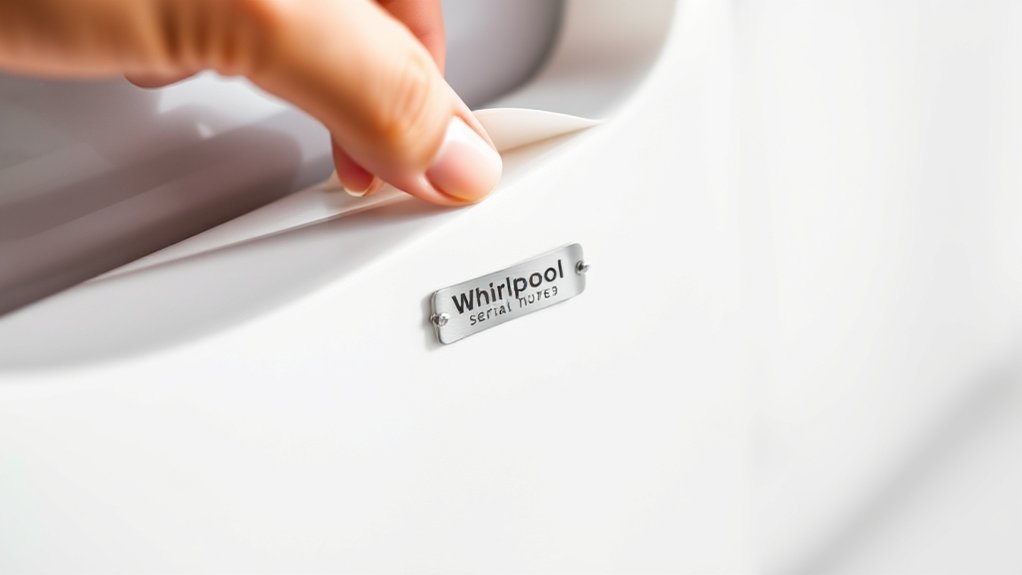
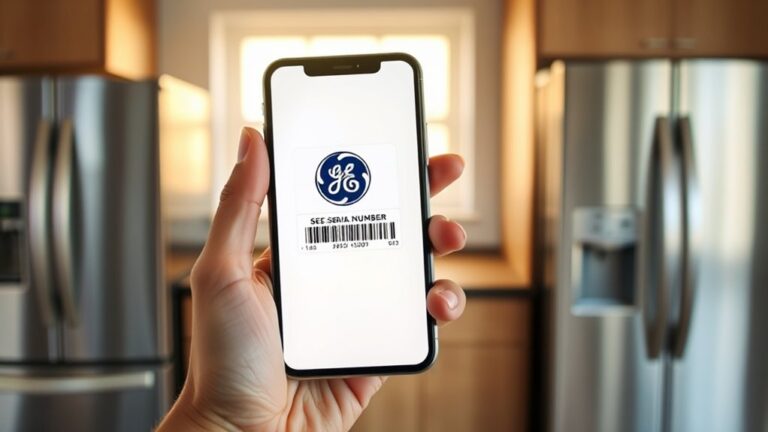
Start by finding the Whirlpool appliance label, which lists the model and serial numbers. This label provides the key information you’ll need when registering your appliance, ordering parts, scheduling service, or checking warranty coverage.
Read every character carefully, because serial number accuracy helps Whirlpool identify the correct product and prevents delays.
Before recording the details, make sure you’re looking at the appliance’s official label rather than a purchase receipt, installation document, or handwritten note.
The label may include additional information, such as the product name, electrical ratings, manufacturing data, and certification markings. Focus on the fields identified as “Model” and “Serial,” and preserve their exact order of letters, numbers, and punctuation.
Write the information down exactly as printed, or take a clear photo for your records. Keeping this information accessible supports appliance maintenance and makes future service conversations more efficient.
Don’t guess if a character looks unclear. Verify it before submitting the number online.
Check Common Serial Number Locations
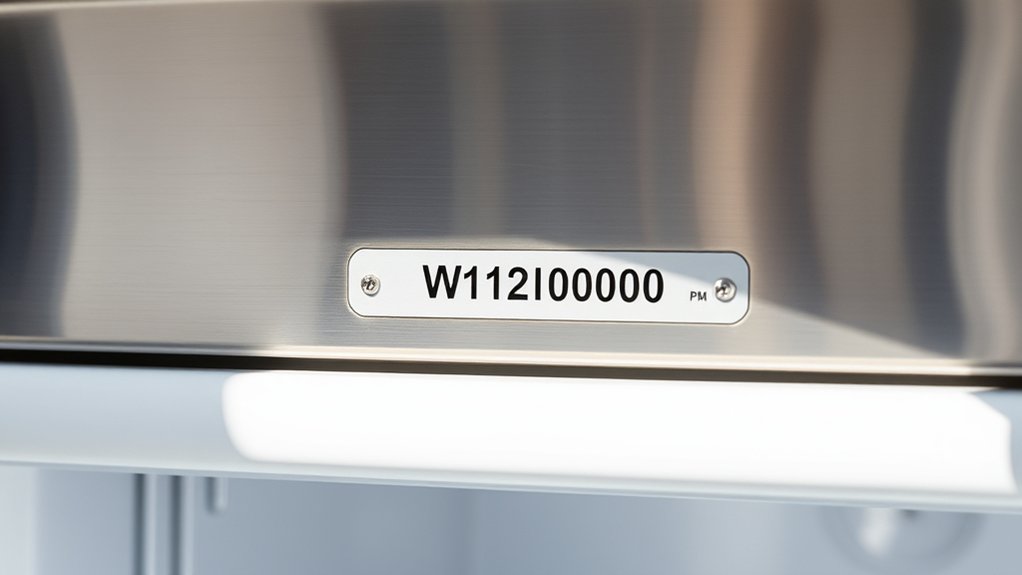
If you don’t see the Whirlpool label immediately, check common locations based on your appliance type. You may need a flashlight, a clean cloth, or help moving the appliance safely.
Look carefully before removing any panels or taking apart components.
- Refrigerators: Check the refrigerator compartment’s side wall, ceiling, or behind the crisper drawers.
- Dishwashers: Look along the door’s inner edge, side frame, or underneath the countertop lip.
- Washers: Inspect beneath the lid, around the tub rim, or on the rear cabinet.
- Dryers and ranges: Check inside the door frame, on the rear panel, or along the cabinet sides.
Clean dusty surfaces gently so you can read every character. Record the complete number exactly as printed, including letters, spaces, and hyphens.
Whirlpool’s serial number formatting can vary by appliance and production period, so don’t guess missing characters.
Keep your notes and a photo together for appliance warranty registration, service requests, or future reference. Avoid relying on memory because labels can fade, and similar-looking characters can cause errors.
Tell the Model and Serial Numbers Apart
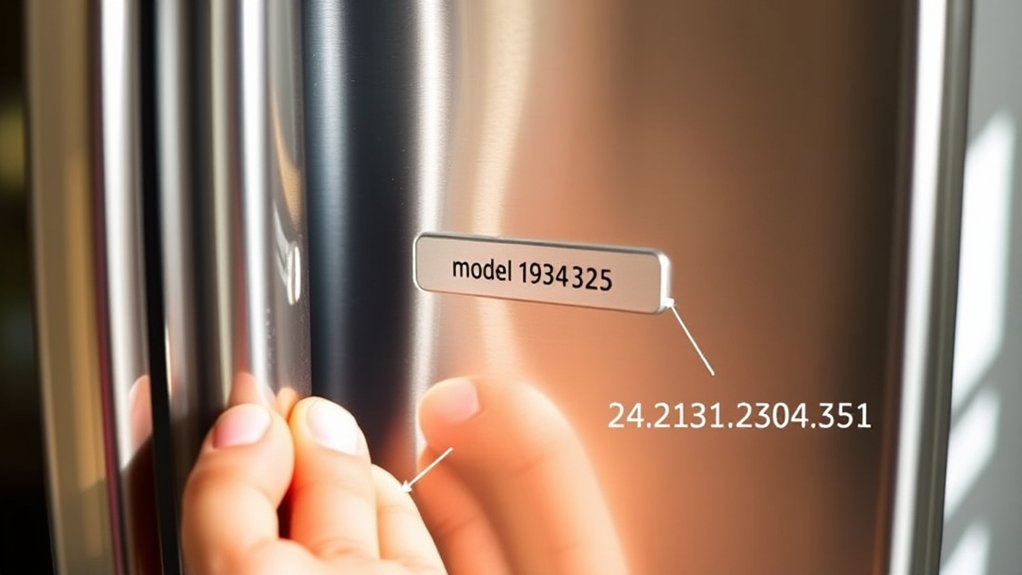
The serial number identifies your individual appliance. It usually appears beside “Serial,” “Serial No.,” or “SER.” Serial number formats vary by appliance and production period.
They commonly contain a mix of letters and numbers and may look longer or less familiar than the model number. Don’t assume the longer code is always the serial number; use the printed labels to identify each one.
Pay attention to similar characters, including zero and the letter O, or one and the letter I. Copy the model and serial numbers exactly as they appear, preserving every letter, digit, and hyphen for accurate records.
Confirm the Number Before Contacting Whirlpool
Before you contact Whirlpool, compare the appliance’s model and serial numbers with your notes or photos to confirm that every letter, digit, and hyphen is correct. A single mistaken character can prevent Whirlpool from matching your appliance to its records.
Check the label again in good lighting, and distinguish easily confused characters, such as zero and O or one and I.
Review these details before submitting any information:
- Confirm the serial number appears beside “Serial” or “S/N.”
- Match the model number separately; don’t substitute it for the serial number.
- Preserve the original Serial number formatting, including spaces or hyphens.
- Compare the details with your Appliance warranty registration, if available.
If your label looks damaged or unclear, take a close, well-lit photo and record only what you can verify. Keep your notes handy so you can provide consistent information.
Don’t guess or remove characters that seem unusual. Whirlpool’s records may depend on the exact sequence.
Get Repairs and Parts With Your Number
Once you’ve confirmed the model and serial numbers, you can use them to request Whirlpool repairs or find compatible replacement parts. Enter both numbers on Whirlpool’s support website, or provide them to an authorized service center.
Accurate details help technicians identify your appliance, diagnose the issue, and recommend the correct components.
Before scheduling service, review your Warranty information. Your serial number can show when Whirlpool manufactured the appliance, helping you determine whether coverage may still apply.
Keep your purchase receipt available, since Whirlpool or a retailer may request proof of purchase.
When ordering parts, match the model number exactly, including letters and suffixes. Check diagrams, descriptions, and dimensions before purchasing.
You can also use Whirlpool’s troubleshooting resources for Maintenance tips, cleaning instructions, and guidance on common problems.
If you hire a technician, share the numbers during your first call to speed up the appointment.
Save invoices, part numbers, and service records for future repairs and reference. This information can prevent ordering errors and make follow-up support easier.
Frequently Asked Questions
Can I Look up My Whirlpool Serial Number Online Without the Appliance Nearby?
Usually, you can’t look up a Whirlpool serial number online using only your name or address. You’ll need purchase records, warranty registration, an owner’s manual, or photos saved from the appliance.
Check Whirlpool’s account or product-registration pages for online lookup options, but they may require model details first. If you’re unsure, review the serial number location guide for your appliance type, then contact Whirlpool support with your purchase information.
What Should I Do if My Whirlpool Appliance’s Serial Number Is Completely Unreadable?
If your Whirlpool serial number is completely unreadable, don’t guess, scratch, or discard the label. Start by checking the serial number location in your owner’s manual, receipt, warranty registration, or purchase records.
To read an unreadable serial number, photograph the label in bright, angled light, clean it gently, and enhance the image. Then contact Whirlpool support or an authorized technician with the model number and proof of purchase. They may be able to identify it from production details.
Does Whirlpool Retain Warranty Information Using My Appliance’s Serial Number?
Yes, Whirlpool can use your appliance’s serial number to support warranty verification, but it may not retain complete warranty information solely under that number. You’ll typically need your purchase date, retailer, model number, and proof of purchase.
Check the Serial number location on your appliance or owner’s manual, then contact Whirlpool support to confirm coverage. If the label remains unreadable, provide photos and any available registration or purchase details to help them investigate.
Can I Sell or Transfer a Whirlpool Appliance Using Its Serial Number?
Yes, you can sell or transfer a Whirlpool appliance using its serial number. Nearly 80% of buyers value verifiable product details, so provide the model and serial numbers, purchase records, and warranty information, if available.
Use the Serial number location to confirm accuracy, then share the Appliance identification details privately with the buyer. A serial number identifies the unit, but it doesn’t prove ownership; remove personal information and complete a written transfer for clarity.
Is a Whirlpool Serial Number Different From the Barcode Number?
Yes, your Whirlpool serial number differs from the barcode number. The serial number identifies your specific appliance, while the barcode usually identifies a model, part, or product category.
Check the serial number location on the rating plate, door frame, control panel, or rear panel. Its serial number format typically combines letters and numbers, whereas a barcode represents data visually in lines or squares.
Use the serial number for registration, warranty service, and ownership records.
Conclusion
Once you find your Whirlpool serial number, you’ll have the key to faster repairs, accurate parts, and better support. Check the label, compare the model and serial numbers, and confirm every character before contacting Whirlpool.
You might even uncover the label while cleaning or moving the appliance—what a coincidence! Keep your Whirlpool serial number in your records so you won’t need to search again when your appliance needs service, maintenance, or a replacement part.