
GE Model Number Lookup in 5 Easy Steps to Identify Your Product
Finding the right GE appliance information can be frustrating, especially when you need a manual, replacement part, or repair help quickly. You’re not alone—many people struggle to locate the correct model number. This GE model number lookup guide makes the process simple.
You can identify your GE appliance in five easy steps. First, check the door frame, control panel, side wall, or rear panel for the model label.
Next, compare it with your manual, receipt, or packaging. Copy every letter, number, hyphen, and space exactly, watching for confusing characters like zero and O.
Then enter the number on GE’s website and confirm the product details.
Finally, use the matching page for manuals, parts, troubleshooting, warranty information, and support.
Key Takeaways
- Locate the model number on the appliance’s door frame, control panel, side wall, rear panel, or behind drawers.
- Check the owner’s manual, product label, packaging, or receipt for additional model number information.
- Record every letter, digit, hyphen, and space exactly. Distinguish zeros from “O” and ones from “I.”
- Enter the complete model number on GE’s website. Verify the matching appliance’s features, image, and description.
- Use the verified product page to access manuals, compatible parts, troubleshooting, warranty details, and support.
Find Your GE Model Number on the Appliance
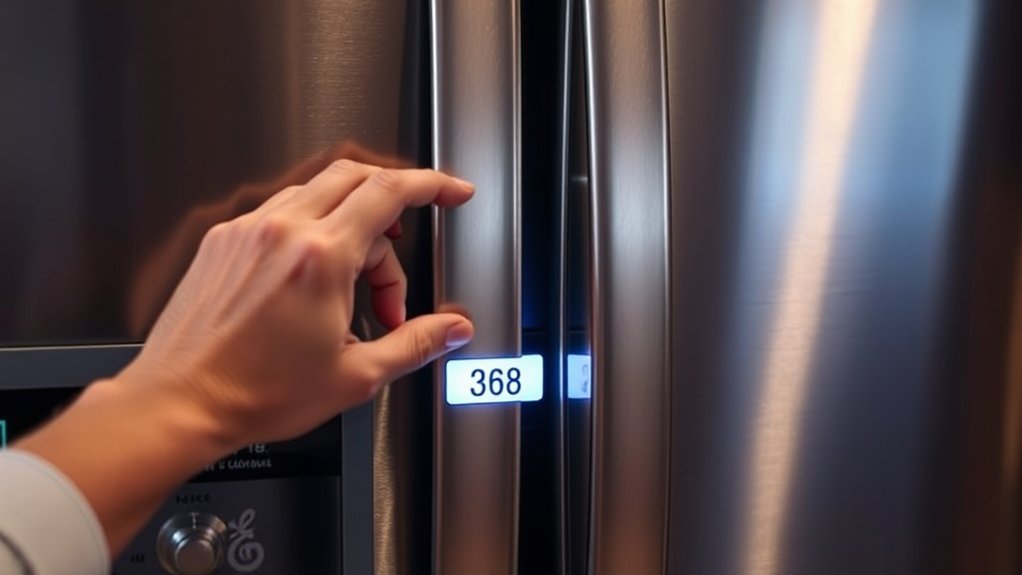
Start by checking the appliance for its model-number label, usually found on the door frame, control panel, side wall, or back. Open the door, drawer, or lid and inspect the surrounding frame, where GE often places identification stickers.
If you’re checking a refrigerator, look along the fresh-food compartment’s side wall or behind the crisper drawers. For a range, examine the underside of the control panel, door edge, or storage drawer area.
Washers and dryers commonly display labels near the lid, door opening, or rear panel. Use a flashlight if the label sits in a dark corner, and wipe away dust without removing the sticker.
Record every letter, number, and hyphen exactly as shown. The model number importance becomes clear when you need compatible parts, accurate service, or appliance maintenance guidance.
Don’t rely on appearance alone. Similar GE products may use different components. Photograph the label, too, so you’ll have a readable reference while identifying your product.
Check the Manual, Label, or Receipt
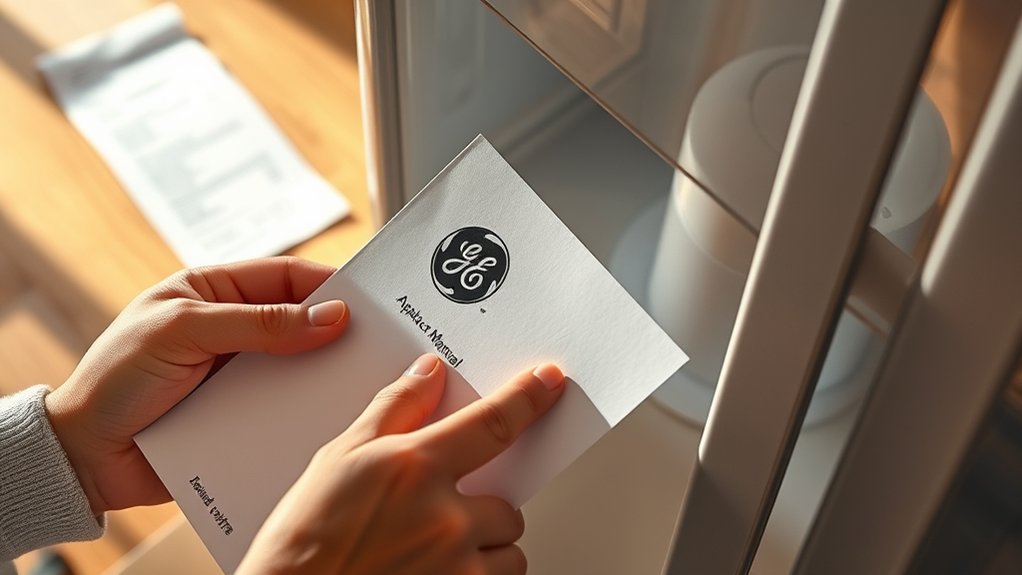
If you can’t find the model number on the appliance, check the owner’s manual, product label, or purchase receipt. GE usually prints the model and serial numbers near the front pages of the manual, on a specifications page, or inside a warranty section.
Look for a sticker or plate on the product packaging, too, especially if you recently bought the appliance.
Your receipt may list the complete model number alongside the purchase date, store, and price. Check printed receipts, email confirmations, and your retailer account before discarding them.
If the information appears incomplete, compare the receipt with the manual or label to confirm you’ve found the correct appliance.
Record the model number exactly as shown, including letters, numbers, and hyphens. You’ll need accurate information when checking product compatibility, ordering replacement parts, requesting service, or completing warranty registration.
Save a photo or digital copy for convenient access later.
Read Your GE Model Number Correctly
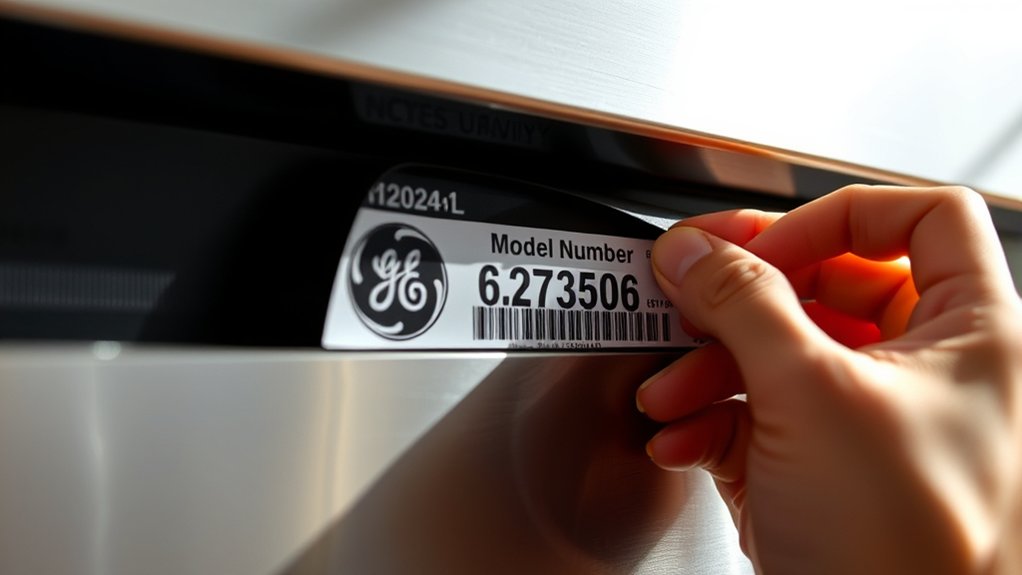
Once you locate the number, read it carefully from left to right and copy every letter, digit, and hyphen exactly as printed. GE model numbers may combine letters and numbers, so don’t replace a zero with an “O” or a one with an “I.” Keep all hyphens, spaces, and suffixes in their original positions.
Read the GE model number carefully, preserving every letter, digit, hyphen, space, and suffix exactly as printed.
Pay attention to model number formatting, because each character can identify the appliance’s series, configuration, or production variation. Don’t use the serial number, part number, product code, or stock number instead. These identifiers may appear beside the model number and often look similar.
Use a bright light and wipe away dust if the label is difficult to read. Compare your transcription with the printed characters one more time, checking the first and last symbols especially.
Appliance labeling standards help organize information, but labels can still use small fonts or crowded layouts. Record the number in your notes exactly as shown before moving on.
Verify the Number on GE’s Website
With the model number copied exactly, verify it on GE’s official website before using it for parts, manuals, or support. Open GE Appliances’ product-search page and enter the number in the designated field.
Check every character, including letters, numbers, hyphens, and spaces, because one error can produce the wrong appliance.
Review the matching product image, description, finish, capacity, and features. Compare these details with the appliance in your home.
If the website returns multiple results, use the serial number, purchase information, or visible features to confirm the correct match. Don’t rely on a similar-looking model.
After verification, note the product category and manufacture details displayed on the page. These details can help you check your Product warranty and find relevant troubleshooting tips later.
If GE can’t recognize the number, recheck the label and try again. An outdated, incomplete, or retailer-specific number may require careful comparison with the appliance’s rating plate.
Find Manuals, Parts, and GE Support
Use the verified GE model number to open the correct product page, where you can find the owner’s manual, installation instructions, replacement parts, troubleshooting guides, and support options.
Select the document that matches your appliance’s model number formatting, then download or print it for reference during setup, cleaning, or repairs.
When ordering parts, confirm the model number and compare diagrams, descriptions, and compatibility notes. Don’t rely on appearance alone; similar GE appliances may use different components.
You can also review warranty details, schedule service, or contact GE support through the product page.
If you’re exploring appliance customization, check available accessories and approved upgrades before purchasing. Your manual can show which options fit safely and explain installation requirements.
Keep a copy of the manual and record the model number for future calls, parts orders, and service requests.
If the website can’t identify your number, recheck each character and contact GE support for assistance.
Frequently Asked Questions
Can I Look up a GE Model Number Without Internet Access?
Yes, you can look up a GE model number without internet access. Start with an offline lookup using your appliance’s owner’s manual, warranty paperwork, receipt, or printed GE product guide.
If you can’t find those documents, use manual identification: locate the rating plate or label, then match its numbers against a printed parts catalog or contact information booklet. You’ll usually find the model number inside the door, drawer, cabinet, or on the back.
What Should I Do if My GE Appliance Model Number Is Missing or Damaged?
If your GE appliance’s model number is missing or damaged, don’t let that mystery become a locked door. Start by checking common label locations, including the door frame, control panel, rear panel, and underside.
Photograph any readable characters, then compare them with your owner’s manual or purchase records. For model number repair, don’t guess or alter the label.
Contact GE support or a technician for reliable appliance identification and replacement parts.
Are GE Model Numbers Different for Appliances Sold in Other Countries?
Yes, GE model numbers can differ for appliances sold in other countries. You’ll often find regional model variations that reflect local voltage, plugs, safety standards, features, languages, and warranty requirements.
Don’t assume a model sold abroad matches a U.S. version, even if it looks identical. For international compatibility, check the appliance’s rating plate, installation requirements, and GE’s regional website.
Contact local GE support before ordering parts, accessories, or replacement units for your appliance.
Can I Identify My GE Appliance Using Its Serial Number Instead?
Yes, you can identify your GE appliance using its serial number, but it usually won’t replace the model number entirely. Serial number verification can confirm production details, manufacturing location, and approximate age.
For parts, manuals, or warranty support, you’ll often still need the model number. GE’s appliance serial decoding tools or customer service can help interpret the code.
Check the rating plate, owner’s manual, or GE Appliances website for accurate results.
How Often Do GE Appliance Model Numbers Change?
GE appliance model numbers don’t change on a fixed schedule. You’ll usually see a new number when GE redesigns an appliance, introduces a feature, changes manufacturing specifications, or releases a regional version.
Minor production updates may alter model number formats, while the core series can remain similar for years. For reliable appliance identification, check the rating plate and compare the complete model number, not just the first few characters.
Conclusion
With these five easy steps, you can find your GE model number, read it correctly, and confirm it online. Check the appliance, review the manual, label, or receipt, and visit GE’s website to verify the details.
Once you’ve identified your product, you can quickly locate the right manual, order compatible parts, and contact GE Support with confidence. Find your GE model number, verify it, and fix it so you can get back to using your appliance without unnecessary delays.