
How to Perform a General Electric Serial Number Search in 5 Easy Steps
Trying to identify an older appliance can be frustrating, especially when you need warranty details, compatible parts, or the right replacement. You’re not alone—many people struggle to find and interpret the correct information. A General Electric serial number search can make the process much easier.
To perform a General Electric serial number search, first find the appliance’s label and copy its model and serial numbers exactly. Next, note the appliance type, brand, purchase date, and label location.
Visit GE Appliances’ official support website, select the appropriate lookup option, and enter the details carefully. Use the first two serial characters to estimate the manufacturing date, then verify warranty coverage and locate compatible replacement parts.
The following steps explain each part in greater detail.
Key Takeaways
- Locate the GE appliance’s identification label and record its complete model and serial numbers accurately.
- Note the appliance type, brand, purchase date, and label location for reliable identification.
- Visit the official GE Appliances support website and select the appropriate lookup or registration option.
- Enter the model and serial numbers carefully, then choose the matching appliance category.
- Save the results and use them to check manufacturing dates, warranty coverage, and compatible replacement parts.
Find the GE Appliance Serial Number
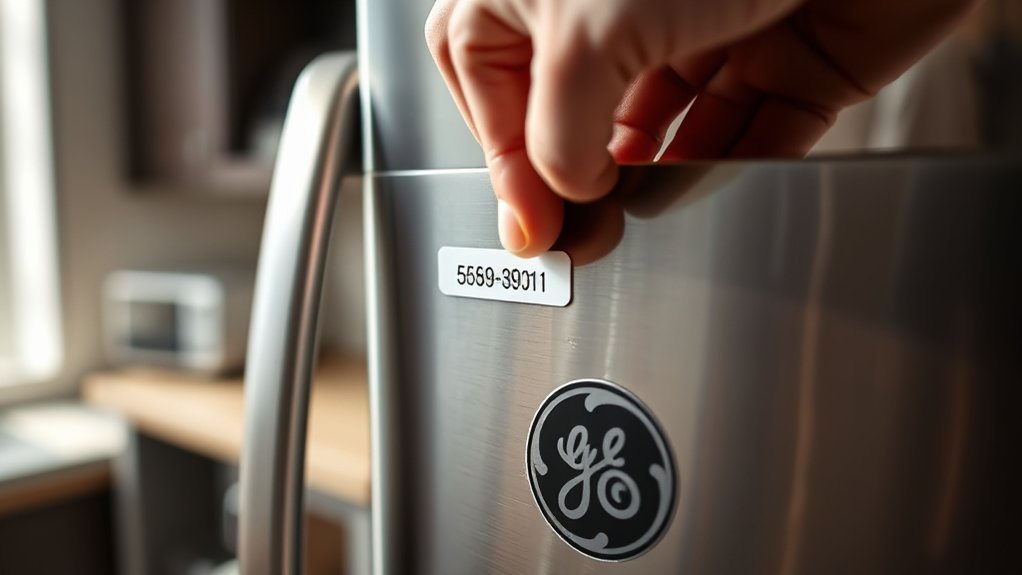
To perform a GE serial number search, first locate the appliance’s identification label, which usually lists the model and serial numbers together.
Check common serial number locations based on your appliance type. For refrigerators, look inside the fresh-food compartment, along the side wall, or near the ceiling.
Check your refrigerator’s fresh-food compartment, side wall, or ceiling for the identification label bearing its serial number.
On ranges and ovens, open the storage drawer, broiler drawer, or oven door and inspect the frame. Dishwashers commonly display the label along the left or right door edge.
Washers and dryers often place it under the lid, behind the door, or on the cabinet’s rear panel. Microwaves may show the label inside the door frame or on the interior wall.
If you don’t find it immediately, use a flashlight and inspect seams, hinges, and side panels. Keep the label visible while you copy the serial number exactly, including letters and numbers.
Appliance identification labels may also appear on the appliance’s rear or side panel.
Record the Model Number and Appliance Type
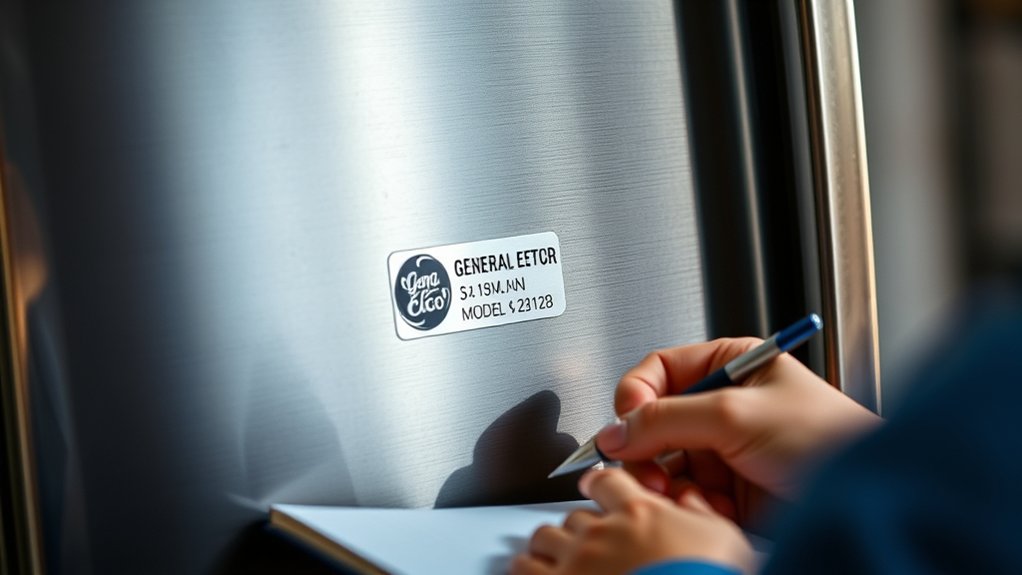
Once you’ve found the identification label, record the complete model number and specify the appliance type, such as refrigerator, range, dishwasher, washer, dryer, or microwave. Copy every letter, number, and hyphen exactly as shown.
Don’t rely on memory or shorten the code, because one character can identify a different configuration or replacement part.
Write the model number in a service notebook, maintenance log, or secure digital note. Include the brand, appliance type, purchase date if known, and serial number location, such as the door frame, control panel, or rear exterior.
Taking a clear photo of the label gives you a backup and helps prevent transcription errors.
Keep this information with your appliance maintenance records. You’ll need the model number to match manuals, filters, accessories, and compatible components.
Confirm that the label identifies the appliance itself, not a removable part or shipping sticker, before saving your notes for future reference and repairs.
Start a GE Serial Number Search
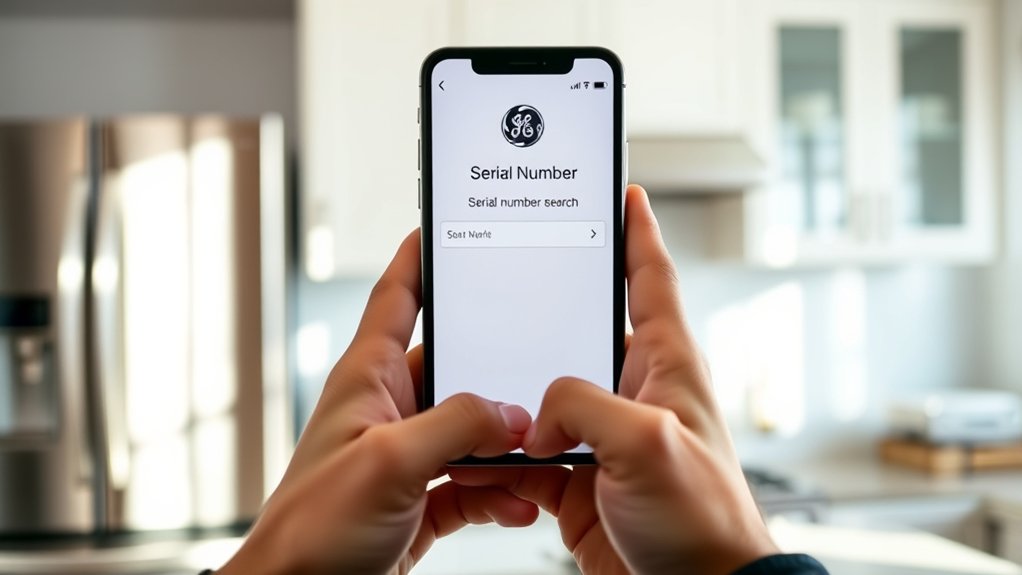
Start a GE serial number search by opening the official GE Appliances support website and selecting the product-registration, owner-support, or serial-number lookup option. Choose the appliance category that matches your unit, such as refrigerator, range, dishwasher, washer, or dryer.
Then enter the model number and serial number you recorded in the previous step. Check each character carefully, because letters and numbers can look similar, especially O and 0 or I and 1.
Submit the form to view available product information, support resources, manuals, warranty details, or registration records. If the website rejects your entry, remove spaces, try uppercase letters, and confirm that you selected the correct appliance type.
You can also use GE’s support search tools to locate compatible results when a direct lookup isn’t available. This process supports appliance identification and gives you a reliable starting point for serial number decoding.
Save or print the results for future repairs, ownership records, or service calls.
Read the GE Manufacturing Date Code
After you’ve located your GE appliance information, you can read the serial number’s manufacturing date code. GE commonly places the code in the first two characters, though formats can vary by appliance and production period.
Use the model’s documentation or GE’s official lookup guidance to confirm the pattern before interpreting it.
For practical serial number decoding, identify the first letter as the month and the second as the year. Some letters repeat on a rotating schedule, so the appliance’s model and estimated age help you select the correct decade.
Record your determination without altering the original serial number.
| Code element | What it shows | What you should do |
|---|---|---|
| First character | Production month | Match it with GE’s month chart |
| Second character | Production year | Compare repeating year cycles |
| Remaining characters | Factory or sequence data | Keep them for identification |
Careful manufacturing date interpretation helps you establish when GE built the appliance. If the code doesn’t match your format, verify the label and consult GE’s reference materials rather than guessing.
Check GE Warranty and Replacement Parts
With the GE manufacturing date identified, check the appliance’s warranty status and find compatible replacement parts using the model and serial numbers. Visit GE Appliances’ official support website and enter both numbers when prompted.
You’ll see available warranty details, including coverage periods, exclusions, and service options. Warranty coverage may vary by appliance type, purchase date, and previous repairs, so compare the listed information with your receipt and registration records.
For replacement part identification, use the exact model number rather than a similar-looking product number. GE’s parts catalog can display diagrams, part descriptions, prices, and availability for your appliance.
Confirm that the part number matches your model’s revision before ordering. If the catalog doesn’t list your appliance, contact GE support or an authorized service provider with the serial number, model number, and manufacturing date.
You’ll reduce ordering errors and ensure the replacement fits safely. Keep your search results and receipts for future service or warranty claims.
Frequently Asked Questions
Can I Search for a GE Appliance’s Serial Number Without the Model Number?
Yes, you can search for a GE appliance’s serial number without the model number. GE’s support tools may identify manufacturing details, warranty information, or product records using the serial number alone, though results can vary by appliance type and age.
Check the rating plate, enter the number on GE Appliances’ support website, or contact customer service. Serial number decoding helps estimate production dates, while model number comparison confirms the exact appliance and parts.
What Should I Do if My GE Appliance Serial Number Is Damaged or Unreadable?
If your GE appliance serial number is damaged or unreadable, don’t let that faded label become a locked door. Try photographing it, enhancing the image, and comparing visible characters with GE’s serial-number formats. Clean the tag gently without removing ink.
For Serial number restoration, contact GE support or an authorized technician. Provide the model number, purchase receipt, and photos.
Use Appliance identification tips to check the door frame, rear panel, or owner’s manual.
Are GE Serial Numbers Unique Across Different Appliance Categories?
Yes, GE serial numbers are generally unique to individual appliances, but their formats can overlap across different appliance categories.
During manufacturing, GE assigns identifiers through product-specific systems, so the number alone may not reveal whether you have a refrigerator, range, or washer.
You’ll need the model number, appliance type, and manufacturing date to confirm identification. Check the rating plate or contact GE support for reliable verification.
Can I Use a GE Serial Number to Verify Whether an Appliance Was Recalled?
Yes, you can use your GE serial number for recall verification—think of it as your appliance’s tiny passport, not a crystal ball. Enter the model and serial number on GE Appliances’ official recall or product-safety page, then compare the results with the appliance’s description.
Serial number decoding can help identify manufacturing details, but recalls may cover specific models, dates, or ranges. If unsure, contact GE directly and stop using the appliance if safety guidance recommends it.
Does GE Offer Customer Support for Discontinued Appliances?
Yes, GE may offer limited customer support for discontinued appliances. You can contact GE Appliances with the model and serial numbers to ask about troubleshooting, manuals, warranty verification, and available replacement parts.
Representatives can often identify compatible components or direct you to authorized service providers, even when GE no longer manufactures the unit. However, support availability varies by age, product line, and parts inventory.
Check GE’s official support page for current options.
Conclusion
With your GE appliance’s serial number in hand, you’re only moments away from uncovering its history. Confirm the model, identify its type, and begin your GE serial number search.
The manufacturing date code can reveal the appliance’s age, while warranty details and replacement parts may save you time and money. Don’t leave the mystery unresolved. One final check could help you decide whether to repair, replace, or keep your appliance running for years to come.