Frigidaire Serial Number Lookup in 3 Easy Steps
Trying to identify your appliance or find the right replacement parts can be frustrating, especially when you can’t locate the serial number. You’re not alone—many Frigidaire owners struggle with this, but a Frigidaire serial number lookup makes the process much easier.
Find your Frigidaire serial number on the product label or rating plate, usually inside the appliance, along the door frame, behind a drawer, or on the rear panel.
Enter the complete number into Frigidaire’s lookup tool, select the appliance category, and click Search. Review the results for your appliance’s manufacturing date, estimated age, warranty status, and compatible parts.
Keep your model number and receipt handy, and investigate the details below for helpful identification and maintenance tips.
Key Takeaways
- Locate the Frigidaire serial number on the appliance label, commonly inside the door frame, compartment, drawer, or rear panel.
- Record the complete serial number and model number exactly as printed, including letters, numbers, and dashes.
- Enter the serial number without spaces into Frigidaire’s lookup tool. Select the appliance category, then click Search.
- Review the results for the manufacturing date, estimated age, warranty coverage, and compatible replacement parts.
- Contact Frigidaire support with the model, serial number, and purchase receipt if the lookup results are unclear.
Find Your Frigidaire Serial Number
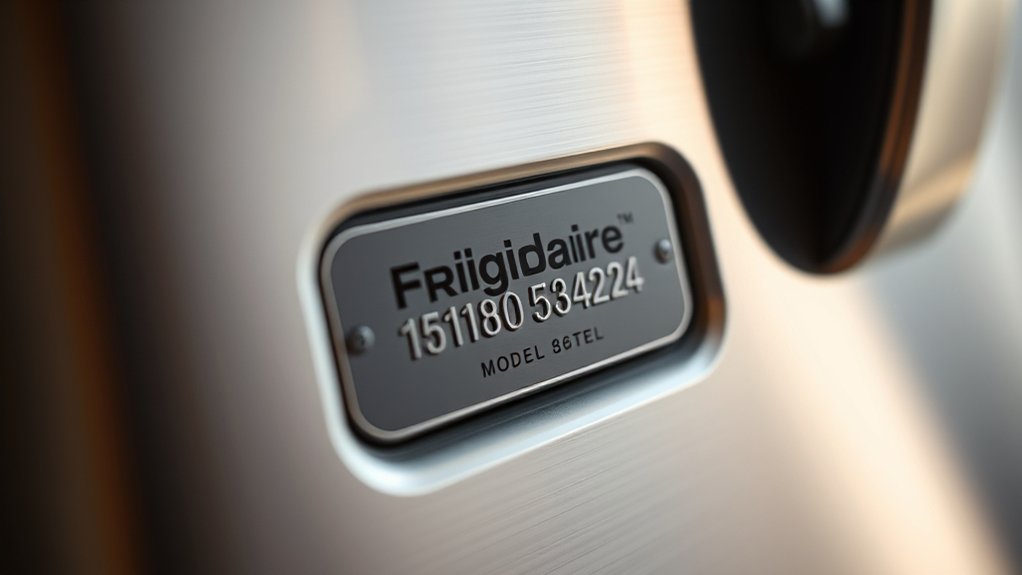
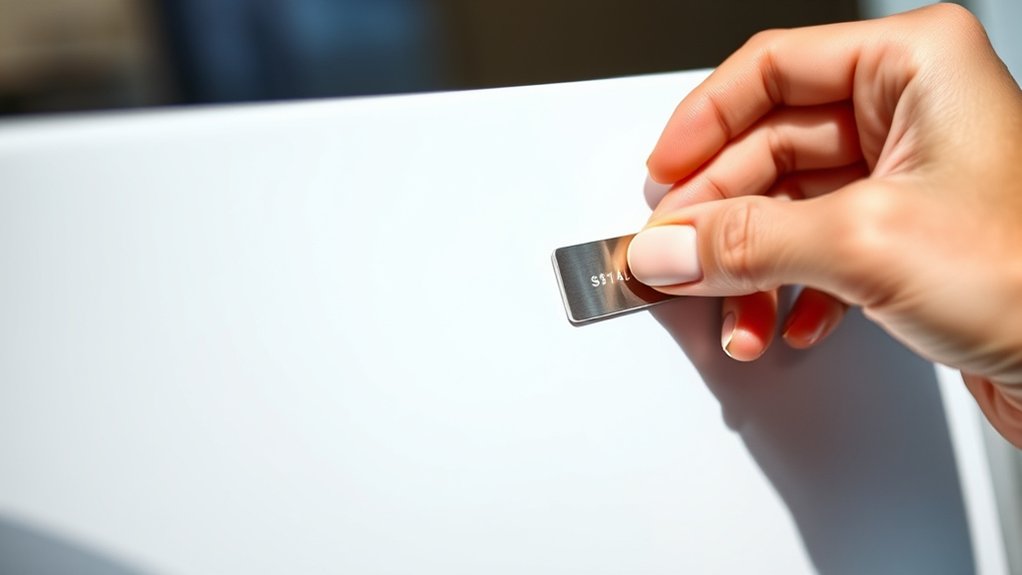
To find your Frigidaire serial number, check the product label or rating plate, usually located inside the appliance, along the door frame, behind a drawer, or on the back or side panel.
Start by opening doors, drawers, or compartments and inspecting their edges and interior walls. If you don’t see the label, pull the appliance slightly forward and safely check its exterior sides or rear panel.
Your serial number location can vary by product type. Refrigerators often display the plate inside the fresh-food compartment, while ranges may place it beneath the cooktop, inside the oven door, or on the frame.
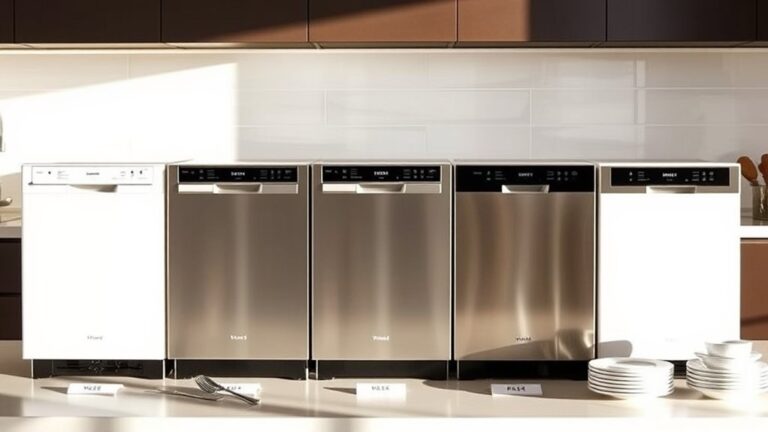
Dishwashers commonly hide it along the door edge, and washers or dryers may show it near the lid, door, or rear panel.
Clean dusty surfaces carefully so every character remains readable. Record the complete serial number exactly as printed, including letters, numbers, and dashes.
Note the model number too. It supports accurate Frigidaire model identification later.
Enter the Serial Number in a Frigidaire Lookup Tool
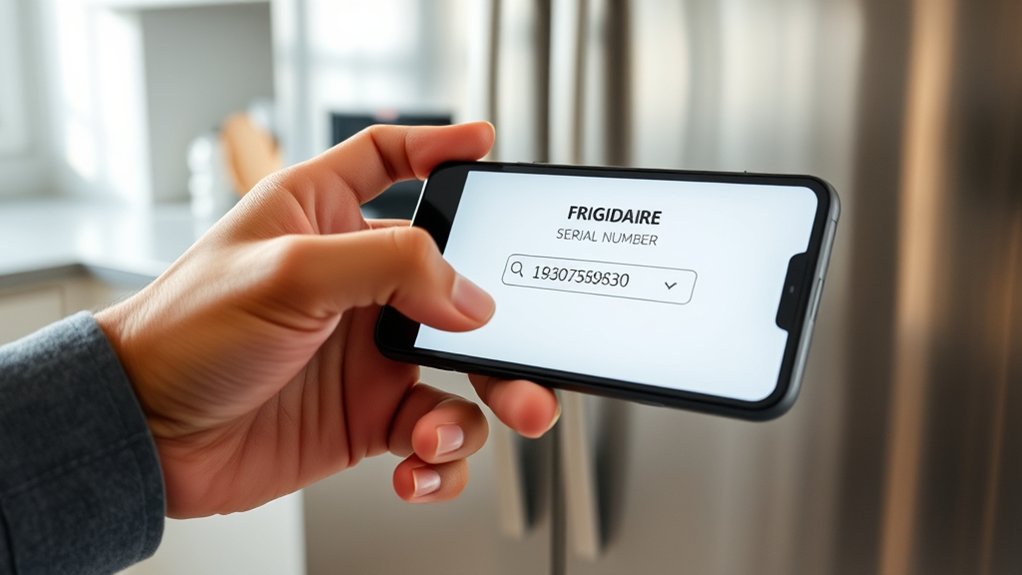
Once you’ve located the label, enter the complete Frigidaire serial number into the lookup tool without adding spaces or omitting characters. Type each letter and number carefully, because one incorrect character can produce unrelated results. Use Frigidaire’s official support page or a reputable appliance database for reliable serial number decoding and equipment identification.
Enter the complete Frigidaire serial number carefully into a reliable lookup tool to identify your appliance accurately.
- Select the appliance category, such as refrigerator, range, dishwasher, or laundry machine, if the tool requests it.
- Paste or type the serial number into the designated field, then review it against the label before submitting.
- Click Search, Lookup, or the equivalent button to process your entry.
- If the tool rejects the number, remove accidental spaces, check similar-looking characters, and try again.
Some tools accept model and serial numbers separately, so don’t place both codes in one field. If no match appears, confirm that you’re using the serial number, not the model number, product code, or barcode. Keep the displayed result available for the next step.
Check Your Frigidaire’s Age, Warranty, and Parts

The lookup result can show your Frigidaire appliance’s approximate age, warranty status, and compatible parts. Use the manufacturing date to estimate how long your refrigerator, range, washer, or dryer has served you.
An older appliance may need more frequent inspections, while a newer model might still qualify for limited coverage.
Check the warranty details carefully. Confirm whether your issue involves parts, labor, or specific components, and note any expiration dates.
Keep your purchase receipt and serial number available if you need to submit a claim.
Next, review the listed replacement parts and compare each part number with the component in your appliance. Ordering by model and serial information helps you avoid incompatible items.
You’ll also find maintenance guidance in the owner’s manual, supporting safer, more reliable operation.
For uncertain results, contact Frigidaire Customer support with your model and serial numbers. A representative can verify coverage, identify correct parts, and explain approved service options.
Regular Appliance maintenance can extend performance and reduce unexpected repairs.
Frequently Asked Questions
Can I Look up My Frigidaire Serial Number Without an Internet Connection?
Yes, you can find and interpret your Frigidaire serial number without an internet connection. Check the appliance’s rating plate, owner’s manual, warranty card, or purchase receipt.
Use printed documentation to compare Serial number formats and identify the manufacturing date. If you don’t have those resources, contact Frigidaire by phone or visit an authorized service center.
Avoid sharing photos publicly if you have Privacy concerns, especially when labels include additional identifying information or addresses.
Is My Frigidaire Serial Number Different From Its Model Number?
Yes, your Frigidaire serial number differs from its model number. Serial numbers specifically identify your individual appliance, while model numbers describe its type, design, and features.
Check the serial number format on the rating plate, usually near the door, side panel, or back. The model identifies a product series, while the serial identifies your particular unit, including its production details and date.
What Should I Do if My Serial Number Plate Is Damaged or Missing?
If your serial number plate is damaged or missing, check other Serial number location options before contacting Frigidaire. Look inside the refrigerator compartment, along the door frame, behind the kickplate, or on the appliance’s side or rear panel.
Complete a Damage assessment to determine whether the label remains partly readable. Photograph any visible numbers, then compare them with your owner’s manual, purchase receipt, warranty registration, or retailer records.
Contact Frigidaire support for further verification.
Yes, retailers and authorized Frigidaire technicians can often help identify your appliance. Bring your purchase receipt, model details, photos, and any remaining labels or markings.
They may access sales records or manufacturer databases to confirm the model and serial number. Authorized technicians can also assist with warranty verification and recommend correct parts replacement.
If the plate is missing, contact Frigidaire support first. They may suggest additional identification methods or documentation for your specific appliance.
Protect your Frigidaire serial number by sharing it only with trusted retailers, authorized technicians, or Frigidaire support. Don’t post photos showing the label online, and cover the number in listings or social media images.
Store receipts and registration details securely, using strong, unique passwords and two-factor authentication. Digital security reduces serial number theft risks.
If you suspect misuse, contact Frigidaire, monitor warranty activity, and keep documentation of every report and service request.
Conclusion
With your Frigidaire serial number in hand, you’ve already opened the door to useful answers. Enter it into a reliable lookup tool to discover your appliance’s age, warranty status, and compatible parts.
Think of the number as a small map that guides you through repairs, replacements, and maintenance without guesswork. Follow these three steps to turn confusion into confidence and keep your Frigidaire working smoothly for years to come.