7 Steps for Easy GE Serial Number Lookup
Finding your GE serial number can feel frustrating when you need warranty details, replacement parts, or appliance support quickly. You’re not alone—many people struggle to find the small rating label or read its information. This GE serial number lookup guide makes the process simple.
Find your GE serial number in seven easy steps. First, locate the rating label inside the appliance, on its door frame, side wall, or rear panel. Next, clean and photograph the label, then record the model and serial numbers exactly.
Compare them with your manual, receipt, and service records. Visit GE Appliances’ support site to verify details, warranty, and parts.
If the label’s missing, check other common locations or contact GE support. Continue for helpful lookup tips.
Key Takeaways
- Locate the GE rating label inside the door, compartment, frame, side wall, or rear panel.
- Identify the serial number beside labels such as “Serial,” “Serial No.,” or “S/N.”
- Photograph the label and record every character, including spaces, hyphens, and suffix letters.
- Cross-check the serial number with your model, manual, receipts, warranty, and service records.
- Use GE Appliances’ official support tools or contact GE with label photos for assistance.
Start With the GE Rating Label
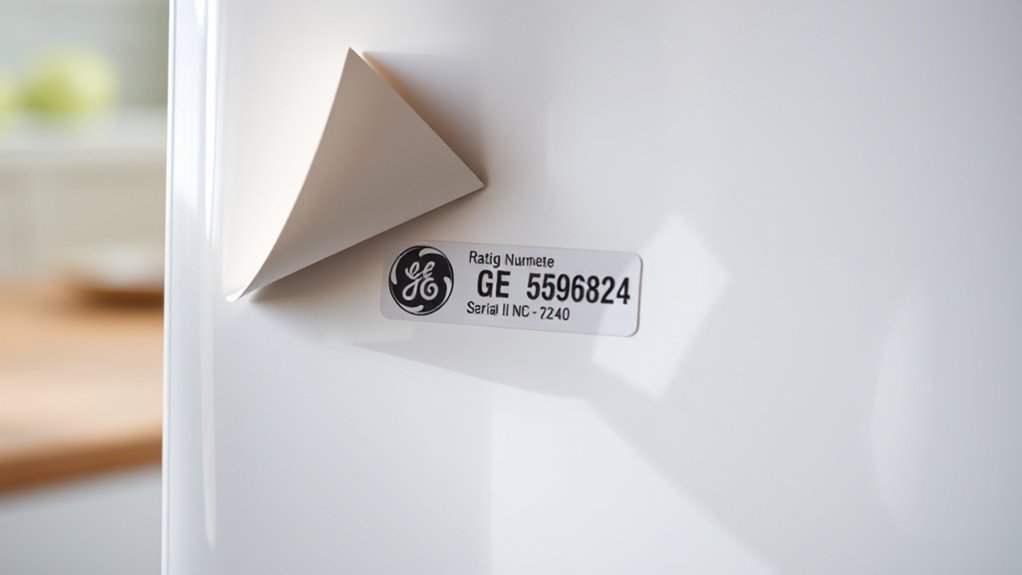
Start your GE serial number lookup by finding the appliance’s rating label, which lists key identification details. This label typically displays the model number, serial number, electrical requirements, manufacturing information, and safety certifications.
> Find the rating label first—it contains your GE appliance’s model number, serial number, electrical details, manufacturing information, and safety certifications.
Read every line carefully because smudged ink, faded printing, or similar characters can cause mistakes during appliance identification.
Before recording the number, clean the label gently with a dry, soft cloth. Don’t use harsh cleaners, which may remove printed details.
Use your phone to photograph the label, then zoom in to confirm each letter and digit. GE serial numbers may combine numbers and letters, so distinguish characters such as zero and O or one and I.
Write the information exactly as shown, including spaces or dashes if present.
Keep the photo and your notes together for future reference. Accurate details help you register the appliance, request support, order compatible parts, verify warranty coverage, or confirm product records without relying on memory or guesswork.
Check Locations by Appliance Type
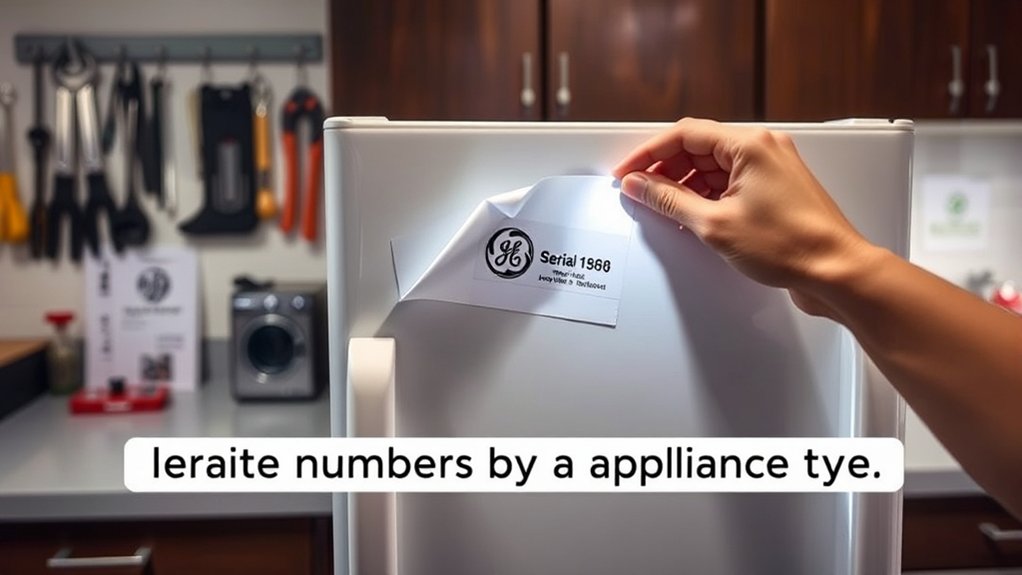
Once you’ve identified the rating label, check the locations GE commonly uses for your appliance type. On refrigerators, look inside the fresh-food compartment, along a side wall, or near the crisper drawers. For ranges and wall ovens, inspect the oven frame, beneath the cooktop, or inside the storage drawer.
Dishwashers often place the label on the inner door edge or tub side. Check the washer’s lid area, door frame, or rear panel, and look along the dryer’s door opening, cabinet side, or back.
Microwaves may display it inside the door frame, on the cavity wall, or on the rear exterior. For air conditioners, examine the cabinet side, front grille area, or rear panel.
Use a flashlight and clean dusty surfaces carefully so you don’t damage the label. Appliance maintenance records become more useful when you know where to look.
Understanding serial number importance also helps you locate the correct label during service calls, warranty checks, or parts research.
Read the GE Model and Serial Numbers
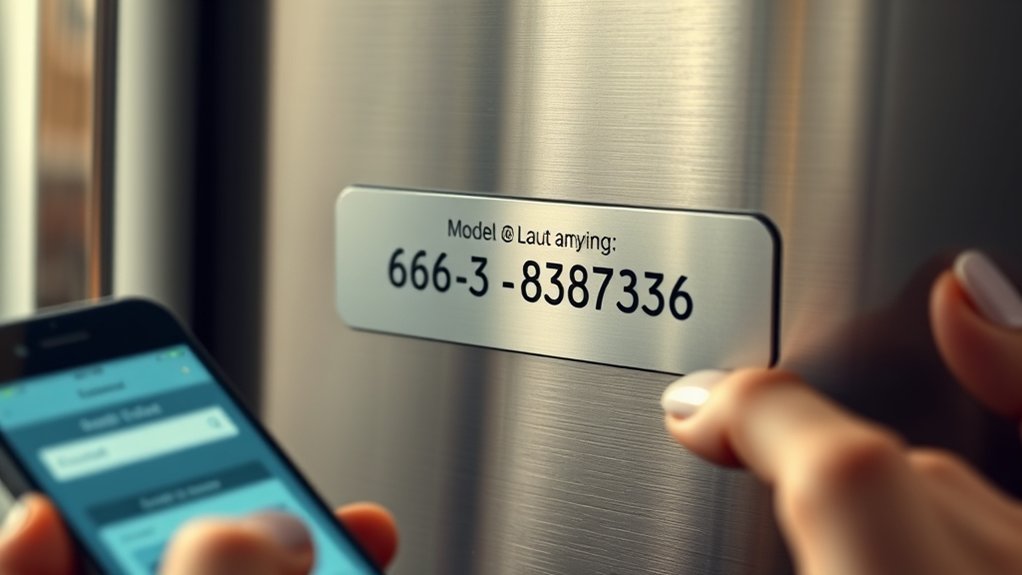
Find the information plate on your GE appliance. It’s often located near the door, inside a drawer, or on the rear panel. Start by reading the model number to identify the appliance and its specifications. Then find the serial number for accurate product lookups or service requests.
Find the Information Plate
Look for the information plate to read your GE appliance’s model and serial numbers. You’ll usually find it inside the door, on the side wall, beneath the lid, or near the rear panel.
Unplug the appliance before checking hard-to-reach areas, and use a flashlight for visibility. During appliance cleaning, don’t scrub the plate or let water cover its printing.
Wipe it gently with a dry or slightly damp cloth, then record every character exactly as shown. Understanding serial number importance helps you access manuals, confirm warranty details, and request accurate service.
| Location | Common appliance | What to do |
|---|---|---|
| Door frame | Refrigerator, dishwasher | Open the door |
| Side wall | Washer, dryer | Check the interior |
| Rear panel | Range, microwave | Inspect carefully |
Take a clear photo so you won’t lose these details.
Identify Model Number
With the information plate in view, identify the GE model number before recording the serial number. Look for a label such as “Model,” “Model No.,” or “M/N.”
The model usually combines letters and numbers, and its format varies by appliance type. Read every character carefully, including hyphens, spaces, and suffix letters.
Don’t confuse the model with product codes, ratings, or other reference numbers printed nearby. For accurate model identification, compare the label’s wording with your appliance’s appearance and features.
If a character looks unclear, clean the plate gently and use a flashlight or phone camera to enlarge the text. Write the model exactly as shown, because even one missing letter can affect parts, manuals, and service information.
Keep your notes organized, but wait to document the serial number location in the next step.
Locate Serial Number
Next, locate the serial number on the same information plate, usually beside the model number and marked “Serial,” “Serial No.,” or “S/N.” Read each character carefully, because GE serial numbers may combine letters and numbers.
Use a flashlight if the plate sits beneath the appliance, behind a door, or inside a cabinet. Don’t confuse the serial number with the model number, product code, or barcode.
Photograph the plate so you’ll have a clear record for future repairs, warranty requests, or parts orders. This identifier can reveal your appliance’s production date through GE’s coding system.
While decoding formats may vary, your serial number history helps confirm ownership and service records. Recording it also supports accurate appliance manufacturing research when you compare age, recalls, features, or replacement options.
Keep the image and written number together.
Compare the Number With Your Manual
Check your GE appliance manual for the section that explains serial numbers. Compare the number you recorded with the details in the manual to make sure it’s correct.
Locate the Manual
Once you’ve found your GE serial number, open the appliance’s manual and compare the number with its model and product details. If you can’t find the printed booklet, search GE’s support website for a digital copy.
Enter the appliance category, model information, or product type to narrow your search. You can also check the retailer’s records, your purchase email, or the manufacturer’s registration confirmation.
Keep the manual near the appliance so you can consult it during repairs, maintenance, or warranty questions. Use clear manual organization by placing the booklet, downloaded file, and related receipts in one labeled folder.
Good documentation preservation helps you retrieve essential information quickly. If the manual remains unavailable, contact GE support and provide the appliance details shown on its identification label.
Match Serial Details
Compare the serial number on your GE appliance with the number listed in the manual’s product details, warranty section, or identification guide. Check every letter, digit, and hyphen carefully, because one incorrect character can identify a different model or production batch.
If the manual shows several examples, match the format as well as the sequence. Your appliance identification may include a model number beside the serial number, so don’t confuse these two details.
Confirm that the manual applies to your exact GE appliance type, capacity, and design. If the numbers don’t match, recheck the label for smudged characters and compare it with your purchase receipt or registration record.
You can then search GE’s support resources using the verified serial number, ensuring you access accurate parts, warranty, and service information.
Check GE’s Online Tools
GE’s online tools can help you identify a serial number quickly. Visit GE Appliances’ official website and look for its support, product registration, or owner-center pages. These tools may organize information by appliance type, model category, or product family, so select the option that best matches your unit.
Use the site’s search bar to find serial-number guidance, manuals, diagrams, and product-support resources. You might also find registration records or appliance customization features that help you locate details connected to your appliance.
If the website offers a serial-number lookup field, enter the information exactly as shown on the appliance label. Don’t add spaces, punctuation, or extra characters unless the form requests them.
Keep the serial number’s importance in mind when choosing official resources. GE’s tools can provide useful background about your appliance and direct you toward the right support materials. Save the relevant page or instructions so you can return to them during your lookup.
Verify the GE Serial Number
After you locate the number, verify the GE serial number against the appliance label and any official GE records. Check every character carefully, because one mistaken letter or digit can produce incorrect results.
Compare the number’s format, placement, and spacing with GE’s published examples to confirm that you’re reading it correctly.
- Match the label: Verify the serial number in your notes matches the plate, sticker, or engraving exactly.
- Review manufacturer details: Confirm the listed brand, model, factory code, and production information align with your appliance.
- Check serial number history: Use GE’s records or authorized service information to confirm the appliance’s age and ownership-related documentation.
- Confirm consistency: Compare the serial number across receipts, warranties, registration records, and service invoices.
If the details agree, save a clear photo and written copy for future reference. Keep your verification results with purchase documents, since accurate identification can simplify warranty claims, maintenance planning, and parts research.
Don’t alter the original label or rely on unofficial databases when confirming appliance information.
Troubleshoot a Missing Serial Number
Can’t find the GE serial number? Don’t worry; you can usually locate it with a few practical checks. First, turn off and unplug the appliance, then inspect the door frame, control panel, rear edge, or side wall.
Look for a white or silver label marked “Model” and “Serial.” On refrigerators, check the fresh-food compartment, crisper drawer area, or lower exterior. For ranges and dishwashers, examine the left or right frame near the door.
GE serial number labels are typically found inside refrigerator compartments or along the door frames of ranges and dishwashers.
If the label is faded, clean the surface gently and use your phone’s flashlight. Don’t scrape it, because you could remove important characters.
Check your original receipt, owner’s manual, installation paperwork, or retailer account for recorded details. You can also search GE’s support website using the model number and appliance type.
Contact GE support if you still can’t find it; provide photos and purchase information. Understanding serial number importance helps you protect your appliance warranty and obtain accurate parts, service, and product support.
Frequently Asked Questions
Can I Look up a GE Appliance’s Warranty Status Using Its Serial Number?
Yes, you can check a GE appliance’s warranty status using its serial number, though you’ll usually need the model number, purchase date, and proof of purchase too.
Visit GE Appliances’ official warranty or product-support page and enter the requested information, or contact GE customer service.
Serial number decoding may help identify the appliance’s manufacture date, but it doesn’t replace warranty verification.
Your retailer or authorized servicer can also confirm coverage and exclusions.
Does GE Charge for Serial Number Lookup Assistance?
You usually won’t pay GE to get basic serial number lookup assistance. Think of it as opening a free door to your appliance’s history.
GE’s website, support team, or authorized service providers can often help with serial number verification and a warranty check at no charge. However, you might pay for related services, such as an in-home diagnosis, repair visit, replacement parts, or assistance from an independent third party.
Can I Request Replacement Parts Without Knowing My Appliance’s Serial Number?
Yes, you can request replacement parts without knowing your appliance’s serial number, but you’ll need accurate details such as the model number, product type, dimensions, and manufacture date. GE or an authorized parts supplier may use those details to identify compatible components.
For effective appliance maintenance, locate the model label if possible, then confirm fit before ordering. During DIY troubleshooting, avoid installing parts until you’ve verified compatibility and safety requirements.
How Can I Transfer Ownership of a Registered GE Appliance?
You can transfer ownership by contacting GE Appliances support and providing your appliance’s model number, Serial number location, purchase details, and both owners’ contact information.
About 70% of appliance ownership changes happen during a home sale, so update your records promptly.
Sign in to your GE account, check Appliance registration, and request a transfer or remove the appliance before the new owner registers it.
GE may require proof of purchase or ownership.
What Should I Do if My GE Appliance Has Been Recalled?
If your GE appliance has been recalled, stop using it immediately and check GE’s official recall notice for eligibility and instructions. Locate the model and serial numbers, then contact GE or the Consumer Product Safety Commission to register your claim.
Don’t attempt Appliance repair unless GE authorizes it. GE may offer a free replacement, repair, refund, or another remedy.
Check your owner’s manual for the Serial number location and keep purchase records.
Conclusion
Finding your GE serial number doesn’t have to feel like searching through a maze. Start with the rating label, check your appliance’s likely locations, and read each character carefully.
Then compare your findings with the manual, use GE’s online tools, and verify the number before ordering parts or requesting service. If the label has faded, don’t give up. Small clues can still help you complete your GE serial number lookup and keep your appliance’s history within reach.