
7 Easy Steps for Maytag Serial Number Lookup
Finding the right Maytag appliance information can be frustrating, especially when you need repairs, replacement parts, or warranty support quickly. You’re not alone—many people struggle to locate and read their appliance’s serial number.
Find your Maytag serial number in seven easy steps: check the door edge and frame, look inside compartments and beneath drawers, inspect the cabinet, then check the back, sides, bottom, and control-panel area. Use a flashlight, mirror, or phone camera if needed.
Clean labels gently and record every character, including hyphens, zeros, and ones. Photograph the label, then provide the number for repairs, parts, and warranty checks. Keep going for additional lookup and troubleshooting tips.
Key Takeaways
- Check the door frame, interior compartments, beneath drawers, washer lids, and dryer control areas for a Maytag serial-number label.
- Inspect external panels, the back near the power cord, bottom edges, kickplates, and underside using a flashlight or phone camera.
- Unplug the appliance before opening access panels. Then check cabinet frames, beneath lids, and around detergent dispensers.
- Record every character exactly, including hyphens, zeros, and ones. Photograph faded labels for later enlargement and verification.
- Provide the serial number, model, purchase date, and problem description to Maytag or an authorized technician for service and warranty checks.
Where to Find Your Maytag Serial Number
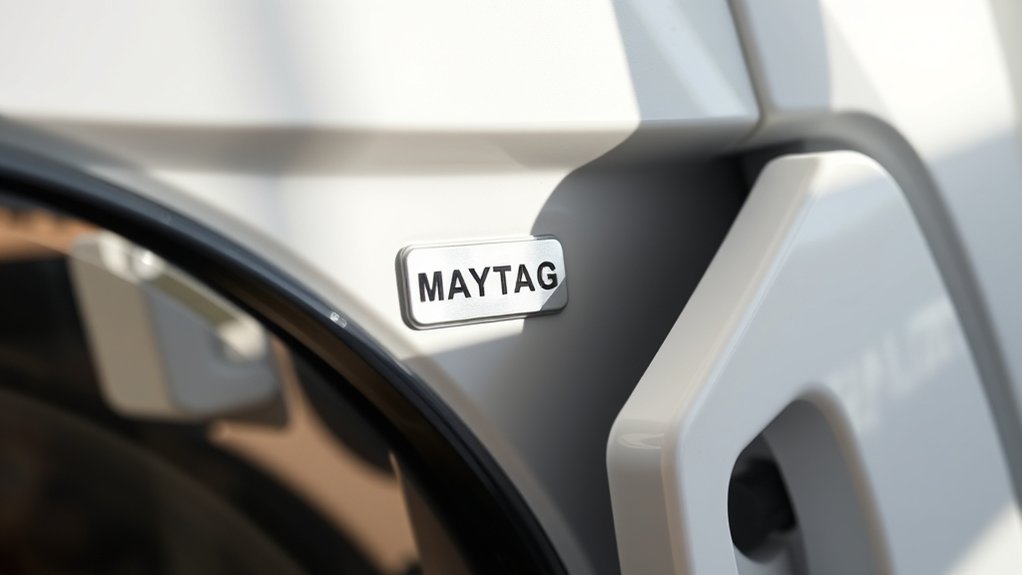
You’ll usually find your Maytag serial number on a sticker or metal plate inside the appliance, along the door frame, or on the back panel. Before moving the unit, check accessible areas first.
Look inside the refrigerator compartment, beneath a drawer, under the washer lid, or near the dryer’s control panel. You may also find the label on an appliance’s side, rear, or lower front edge.
> Check the refrigerator interior, washer lid, dryer controls, and appliance edges for the serial number label.
Use a flashlight to read faded print, and wipe away dust without removing the label. Record every letter and number exactly as shown, including hyphens.
Don’t confuse the serial number with the model number. Both often appear together, but they serve different purposes.
Photograph the label so you’ll have a permanent reference for warranty service or replacement parts. Your serial number history can help confirm ownership and service records.
Maytag uses the number to identify the manufacturing date. If you can’t locate it, consult your appliance’s manual for a model-specific position.
Check the Door and Door Frame
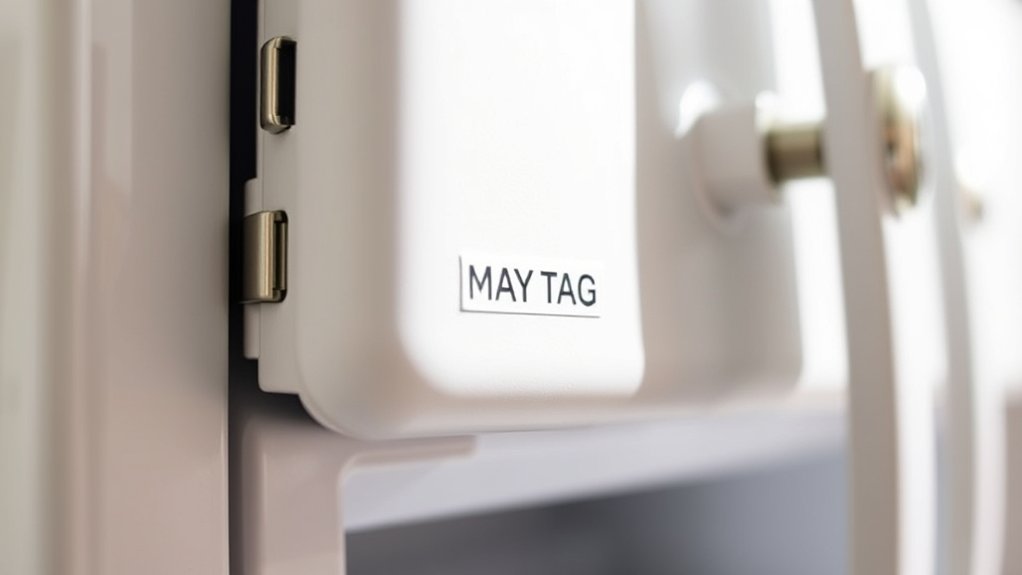
Start by checking the edge of the door for a serial number label. You should also inspect the door frame, as Maytag may place the label there. Once you find it, record the serial number carefully and accurately.
Inspect the Door Edge
Open the door and inspect the edge, door frame, and inner rim for a printed label, stamped code, or small data plate. Use a flashlight if the appliance sits in a dim corner.
Look carefully around the door seal and hinge area, where manufacturers sometimes place compact identification markings. Wipe away dust gently, but don’t scrape paint or remove the seal.
- Check the upper edge for a paper label or engraved characters.
- Examine both side edges for a short serial sequence.
- Look along the inner rim for a plate secured with adhesive or screws.
Record every letter and number exactly as shown, including dashes or spaces. If you find several codes, photograph them before closing the door.
Keep the image with your appliance records so you can compare details later.
Check the Door Frame
With the door open, inspect the door frame and inner edges for a Maytag serial number label, stamped code, or small data plate. Check the area around the door hinge, including the metal frame and nearby corners.
Some models place identifying information where the hinge meets the cabinet, so use a flashlight to improve visibility.
Next, examine the surface behind the door seal without pulling or removing the gasket. Gently move the flexible seal aside and look for printed characters or a stamped code along the recessed frame.
Wipe away dust with a dry, soft cloth if needed, but don’t use harsh cleaners that could erase markings.
Record every character exactly as shown, including letters, numbers, and dashes. If you don’t find anything, close the door and continue with the next inspection point.
Locate the Serial Label
Look for the Maytag serial label around the door and door frame. It may appear as a sticker, stamped code, or small data plate.
Open the appliance fully and inspect the inner edges, hinges, and frame corners. Good lighting helps you spot faded ink or labels covered by dust.
- Check the left and right sides of the opening, especially near the top or bottom.
- Wipe the frame gently with a damp cloth so you don’t remove printed information.
- Photograph the label before closing the door, capturing every letter and number clearly.
Record the model and serial numbers exactly as shown. Their importance extends beyond warranty service. They support accurate appliance identification when you need manuals, replacement parts, repairs, or safety notices.
If you can’t find the label, check the opposite door edge before moving elsewhere.
Look Inside the Appliance Cabinet
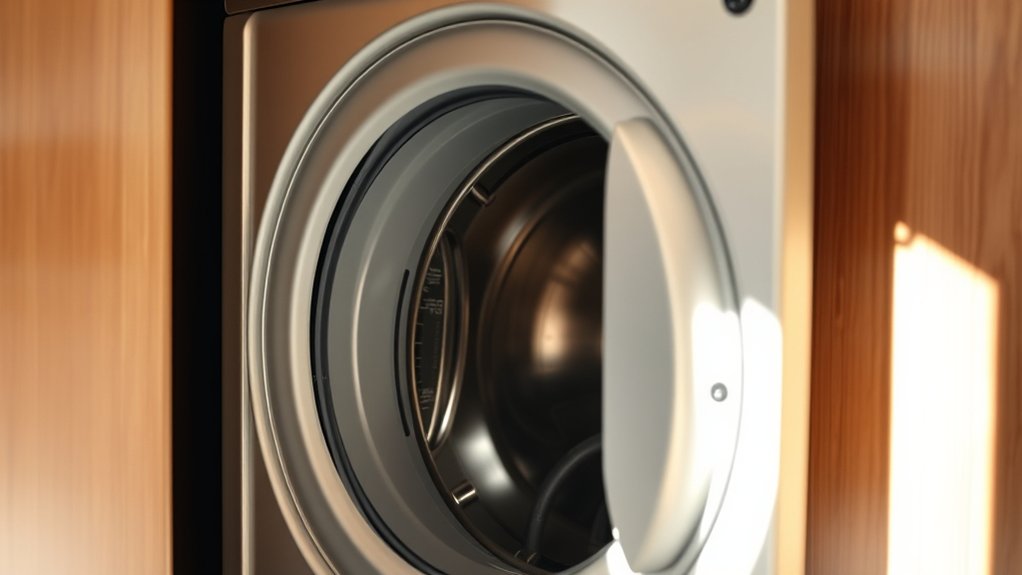
If the label isn’t visible on the exterior, check inside the appliance cabinet for the Maytag serial number. Unplug the appliance before opening any access panel, and follow the instructions in your owner’s manual.
Look around the cabinet frame, beneath the lid, near the door opening, or beside the detergent dispenser. Maytag often places a small sticker or metal plate where service technicians can find it quickly.
Use a flashlight to inspect dark areas, but don’t remove wiring, insulation, or major components. Clean dust gently with a dry cloth so you can read faded printing without damaging the label.
Record the complete serial number exactly as shown, including letters, numbers, and hyphens. You may also photograph the label for future reference.
This step supports appliance maintenance because accurate details help you order compatible parts and request informed service. Understanding serial number importance also prevents confusion when registering your appliance, checking warranties, or researching model-specific instructions.
Replace every panel securely before reconnecting power.
Check the Back, Side, and Bottom
When the serial number isn’t inside the cabinet, check the appliance’s back, side panels, and bottom edge. Manufacturers often place the label where it stays protected from spills, heat, and everyday wear.
Before you move anything, switch off the appliance and ask for help with heavy models. Use a flashlight to inspect dim areas, but don’t remove sealed panels or reach near wiring.
- Back panel: Look near the power cord, upper corners, or lower frame for a white or silver label.
- Side panels: Check both sides, especially along the rear edge, beneath control panels, or near the floor.
- Bottom edge: Inspect the front lip, kickplate, and underside of the opening with a mirror or phone camera.
The label may also show the model number and other appliance identification details. Keep the area dry while you search, and photograph the label once you find it.
This record can help you identify the correct appliance later.
Read Your Maytag Serial Number
After finding the label, read the Maytag serial number exactly as printed, including every letter and digit. Don’t confuse it with the model number, which usually appears nearby and serves a different purpose.
Copy the serial number onto paper or into a note, preserving its order, spacing, and any letters that resemble numbers. Check each character twice, especially O and zero, I and one, and S and five.
Record the serial number exactly, preserving its order and checking carefully for easily confused letters and numbers.
A clear transcription helps you research the appliance’s serial number history and identify its manufacturing date through Maytag’s documentation or trusted reference tools.
If the label looks worn, photograph it in bright, even light before recording the characters. Avoid guessing when ink has faded or damage obscures part of the code.
Instead, compare the number with the label’s format and inspect the surrounding area for another readable copy. Keep your written record with the appliance’s purchase information for future reference.
Don’t alter the original label or remove it.
Use the Number for Parts and Repairs
Use the complete Maytag serial number when ordering replacement parts or scheduling repairs. It helps technicians identify your appliance’s exact model variation, production details, and compatible components.
Provide the number exactly as shown, including letters, digits, and any required spacing. Serial number formats can vary by appliance type, so don’t substitute a model number or estimate missing characters.
- Parts: Share the serial number with the retailer or Maytag support so you receive the correct filter, belt, control board, or other component.
- Service: Give it to the repair provider when you book an appointment. The technician can review appliance specifications before arriving.
- Coverage: Use the number during warranty registration or when confirming existing coverage. Accurate information can simplify eligibility checks and service claims.
Keep your purchase receipt and service records with the serial number for future reference.
When you contact support, describe the appliance’s issue separately, then repeat the serial number to prevent ordering or scheduling errors. This information saves time and reduces costly part mistakes.
Troubleshoot a Missing or Unreadable Number
If the Maytag serial number is missing or hard to read, clean the label gently and check it under brighter light or with your phone’s camera. Don’t scrub aggressively, since friction can remove printed characters. Use a flashlight at an angle to reveal faded ink, then photograph the label and enlarge the image.
Look for the model and serial labels around the door frame, behind the control panel, on the rear panel, or inside the appliance cabinet. If part of the label remains, write down every visible letter and number, including possible zeros, ones, and letters that look alike.
Check Maytag’s support resources or your owner’s manual for examples of serial number formatting. Don’t guess the serial number meaning from a partial code, since different product lines can use different patterns.
If you still can’t identify it, contact Maytag or an authorized technician with the model number, appliance type, purchase date, and photos. They may help verify the appliance and locate compatible parts.
Frequently Asked Questions
How Old Is My Maytag Appliance Based on Its Serial Number?
You can estimate your Maytag appliance’s age by decoding its serial number to identify the manufacturing date. Maytag serial numbers often include coded characters for the production year and week, but formats vary by model and era.
Find the serial number on the appliance’s rating label, then compare it with a reliable Maytag date-code chart or contact Maytag support. Be careful not to confuse the serial number with the model number when checking your appliance’s age.
Can I Register My Maytag Appliance Using the Serial Number?
Yes, you can register your Maytag appliance using its serial number, but you’ll usually need the model number, purchase date, and retailer details too. Registration is quick, while searching for paperwork can feel frustrating.
Visit Maytag’s official website, choose Product registration, and enter the requested information exactly as shown on your appliance label. Check the Serial number format carefully, since one incorrect character could prevent successful submission.
Keep your confirmation for future service.
Does Maytag Offer a Warranty Lookup by Serial Number?
Yes, Maytag offers warranty lookup by serial number through its official website. Enter your appliance’s model and serial numbers in the warranty verification tool to check coverage, expiration dates, and available service options.
You may need your purchase date and proof of purchase if the system can’t confirm details automatically. Serial number decoding can help identify manufacturing information, but it doesn’t replace Maytag’s online lookup or customer-service confirmation when warranty details remain unclear.
Can I Identify My Appliance’s Color or Finish From Its Serial Number?
Usually, you can’t identify your Maytag appliance’s exact color or finish from its serial number alone. The serial number primarily tracks manufacturing information, while the model number helps you locate specifications and product images.
For reliable Color identification and Finish details, enter your model number on Maytag’s website, check the owner’s manual, or contact Maytag support. You can also compare the appliance’s product label, purchase receipt, or original documentation for confirmation.
You can find Maytag’s customer service contact information on the official Maytag website. Open the “Support” or “Contact Us” page to access phone numbers, live chat, service scheduling, and online assistance.
Have your model and serial numbers ready for faster help with warranty verification or model identification. You can also check your owner’s manual, purchase receipt, or warranty documents, which may list Maytag’s current contact details and authorized service options.
Conclusion
Finding your Maytag serial number doesn’t have to feel like searching the entire universe. Check the door, cabinet, back, side, and bottom before cleaning the label and reading each character carefully.
Once you’ve found it, keep the number handy for parts, repairs, registration, and customer support. If it’s missing or unreadable, don’t worry. You can contact Maytag with your model information.
These quick steps for Maytag serial number lookup will help you identify your appliance and get the assistance you need.